by reinhard | Mar 13, 2023 | affiliate marketing, Coaching, Education, email marketing, freelancing, Lead generation, make money from home, Online Marketing, Online Shopping, Search Engine Optimization
Are you interested in starting an online store or have an existing one? Then you need to know about eCommerce SEO!
First of all, let’s break down what eCommerce SEO means. “Ecommerce” means buying and selling things online. While “SEO” stands for Search Engine Optimization.
Basically, eCommerce SEO means optimizing your online store. As a result, appears higher in search engine results. Especially, when people search for products you sell.
Why is eCommerce SEO important?
Because, when people search for something online, they usually only look at the first few results.
In that case, your store isn’t showing up on the first page of search results.
And it is unlikely that people will find it.
For this reason, optimize your store for search engines. Henceforth, you can attract more visitors and potential customers.
In this article, we will cover the ultimate ecommerce SEO strategies you need to know for online success.
Research your Keywords for eCommerce SEO
Indeed, optimize your store for search engines. Because, you need to know what keywords people are using to search for products like yours. Therefore, use keyword research tools like Google Keyword Planner to find the best keywords for your store.

Optimize your product pages:
Make sure each of your product pages has a unique and descriptive title.
As well as a detailed product description. Likewise, use your chosen keywords in these areas. But don’t overdo it.
Then make certain your content reads naturally and provides value to the reader.
Of course, don’t forget to send your web page or blog your subscribers.

Why Improving your website’s loading speed is an Important part of eCommerce SEO
As a matter of fact, slow-loading websites can negatively affect your search engine rankings. Again, use tools like Google’s Page Speed Insights to find areas for improvement.
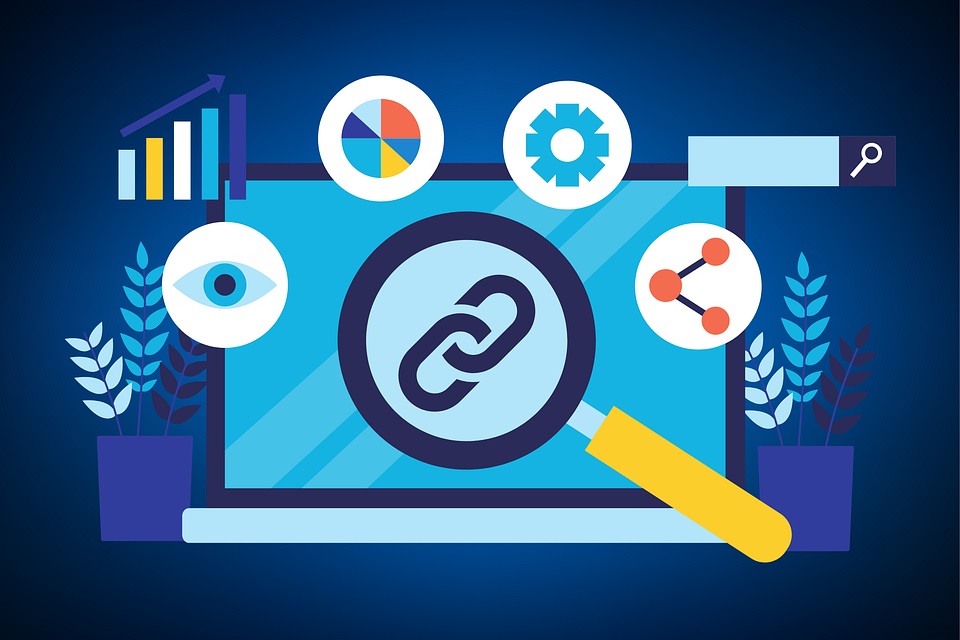
Get Quality Backlinks for Your eCommerce Website
Given these points, backlinks are links to your website from other websites. Because, the higher quality websites that link to your store, the higher your search engine rankings can be. Of course, you may want to reach out to other websites in your industry. And offer to write guest blog posts or collaborate on content.

Use social media for your eCommerce Search Engine Ranking
Social media can be a great way to drive traffic to your store.
In addition, improve your search engine rankings. For this reason, share your products and content on your social media profiles.
And encourage your followers to share them as well.
In Summary of eCommerce SEO

In summation, commerce SEO is necessary for online success.
You can increase your ecommerce site’s search engine visibility.
And draw in more prospective customers.
As a matter of fact, use these tactics described in this article. However, keep in mind to prioritize local SEO and technical SEO.
Also, content marketing, link development, and keyword study.
Given these points, you can outrank your rivals and succeed online with enough time and work.

by reinhard | Jan 12, 2023 | Education, Online Marketing
Search Engine Optimization:

Welcome to our blog on search engine optimization techniques!
If you’re a business owner, marketer, or web developer, you know this is an important subject.
Because, it is essential to have a website that ranks well in search engine results.
SEO is the practice of improving the ranking of a website. And also, search engines like Google, Bing, and Yahoo.
So, how do you attract more quality traffic to your site?
Seems like,by optimizing your website for search, you can attract more qualified traffic to your site.
Which can lead to more leads, sales, and revenue.
But SEO can be a complex and ever-changing field. In the light of new algorithms and best practices constantly emerging.
That’s where we come in.
Stay tuned to get the latest SEO tips!
Through this blog, we aim to provide you with the latest and most actionable SEO tips.
As well as strategies, and insights to help you improve your website’s visibility and performance in search.
Whether you’re just starting out with SEO or are looking to take your skills to the next level, we’ve got you covered.
There are many different techniques that can be used to optimize a website for search engines.
Some of the most common techniques include:
- Keyword research: Identifying the terms and phrases that are most relevant to your business. And that have a high search volume.
- On-page optimization: Optimizing individual web pages. You will rank higher and earn more relevant traffic in search results.
- Off-page optimization: Building high-quality backlinks from other reputable websites. Usually improve the authority and trustworthiness of your website.
- Content creation: Creating high-quality, unique content that provides value to your website visitors. And includes the keywords you’ve identified.
- Technical SEO: Ensuring that your website is mobile-friendly. Likewise, has a fast loading speed, and is free of technical errors that could affect its ranking.
By implementing these techniques, you can improve your website’s ranking in search results.
Therefore, drive more qualified traffic to your site.
Keyword Research for Your Website
Keyword research is an important part of search engine optimization (SEO).
Because it helps you identify the terms and phrases that are most relevant to your business.
And that have a high search volume.
Even more, target these keywords in your website’s content.
Again, you can improve your ranking in search engine results pages (SERPs).
Search Engine Optimization To Your Website
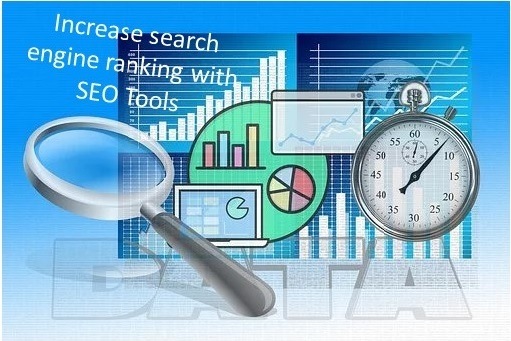
Drive more qualified traffic to your site.
There are many tools available that can help you with keyword research.
Some popular options include Google’s Keyword Planner, SEMrush, and Ahrefs.
Web tools can help you identify the keywords that are most relevant to your business. As well as provide information about the search volume.
And also competition for those keywords.
When conducting keyword research, it’s important to focus on long-tail keywords.
Which are more specific and often have a lower level of competition.
It is also a good idea to focus on local keywords if your business is targeting a specific geographical area.
Once you’ve identified a list of relevant keywords, you can incorporate them into your website’s content.
You need to include the page titles, headings, and body text.
It is important to use the keywords naturally.
For this reason, do not stuff them into your content unnaturally, as this can negatively impact your ranking.
On-page optimizing for Search Engine Optimization
On-page optimization is the process of optimizing specific web pages.
Therefore, gain a better position and more relevant traffic from search engines.
Certainly, this can be achieved by improving the content and HTML source code of a page.
Here are some tips for on-page optimization:
- Using keywords in the page title and headings: This helps search engines understand what the page is about and can improve the page’s ranking for those keywords.
- Utilize internal linking to make your website’s structure more understandable to search engines. This will help your pages rank higher. Use alt tags to describe images: This helps search engines understand the content of your images and can improve the ranking of your pages.
- You may want to use alt tags to describe images: This helps search engines understand the content of your images and can improve the ranking of your pages.
- Use a robots.txt file: This file tells search engines which pages on your website to crawl and which to ignore.
- Implement a responsive design: This means that your website should look and function correctly on devices of all sizes, such as phones, tablets, and desktop computers.
- Application of a fast-loading website: Search engines prefer websites that load quickly, and visitors are more likely to stay on a website that loads quickly.
By following these tips, you can improve the on-page optimization of your website and rank higher in search engine results.
Off- Page Optimization for Website
Off-page optimization refers to the techniques used to improve the visibility of your website.
Not to mention search engine rankings of a website through actions taken outside of the website.
This can include link building, social media marketing, and online reputation management.
The goal of off-page optimization is to increase the number and quality of backlinks to a website.
As well as to create a positive perception of the brand in the eyes of search engines and users.
By improving off-page factors, a website can be more easily discovered by search engines.
Which can result in higher rankings and more traffic.
Content creation and Search Engine Optimization to increase website traffic

Content creation refers to the process of producing several types of media.
Hence, these include written articles, videos, images, and audio, for the purpose of sharing information.
Consequently, educating an audience, or entertaining them.
In that case it encompasses a wide range of activities, including research and writing.
Above all editing, and designing, and can be used for many different goals.
Such as building brand awareness, generating leads, or increasing website traffic.
Introduction to Technical Search Engine Optimization (SEO)
Technical SEO refers to the practices and techniques used to perfect a website’s infrastructure.
Also, architecture to improve its visibility and ranking in search engine results pages (SERPs).
Additionally, this can include things like perfecting the website’s structure and hierarchy.
Equally important, optimizing page load speed and making sure the website is mobile-friendly.
Moreover, it is accessible to search engine crawlers.
In the final analysis, technical SEO is an important aspect of SEO.
Because, it helps ensure a website’s technical infrastructure.
For the most part is set up in a way that makes it easy for search engines to understand and index its content.
Which in turn can lead to better visibility and higher rankings in SERPs.
In Summary:
In conclusion, keyword research is a crucial first step in any SEO campaign.
It allows you to identify the terms and phrases that your target audience is searching for.
And to ensure that your website is optimized for those terms.
On-page SEO entails improving features on your website including headlines, meta descriptions, and internal links.
So, you can improve the relevance and authority of your site for your target keywords.
Off-page optimization includes building backlinks to your website.
For this reason, can improve its visibility and search engine rankings.
Content creation is essential for both on-page and off-page optimization.
Certainly, an opportunity to include target keywords for content.
As well as showing your website as an authority in your industry.
And finally, technical SEO is also important to ensure that your website is accessible and crawlable by search engines.
Moreover, that it is fast and responsive for users.
With this strategy in your mind, you can be sure that your website will rank higher in SERP and boost your online presence.